Layout library

Ideas worth remembering.

Reference images, not live code. Add one by dropping it into the category's folder in the theme, no other step.

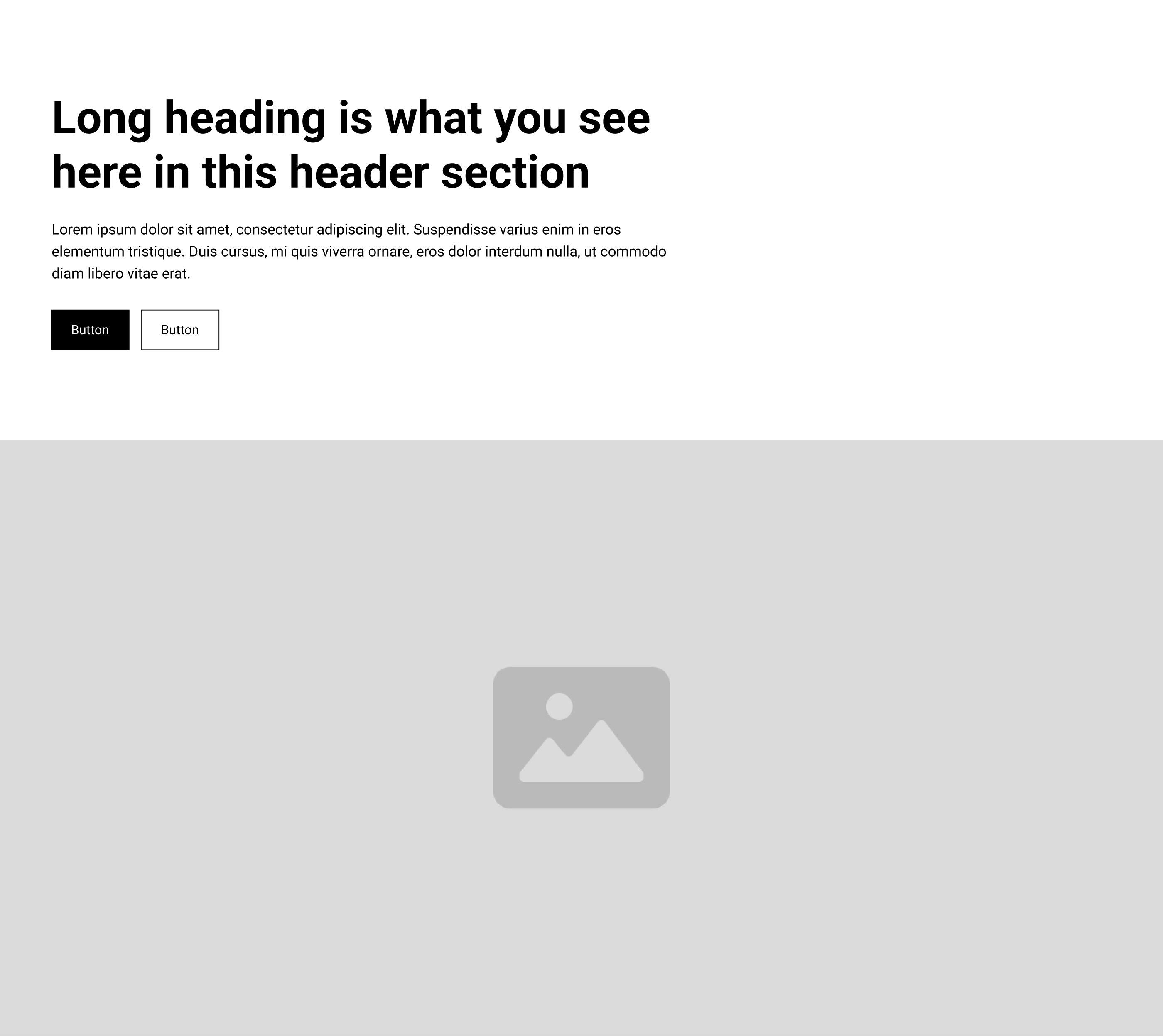
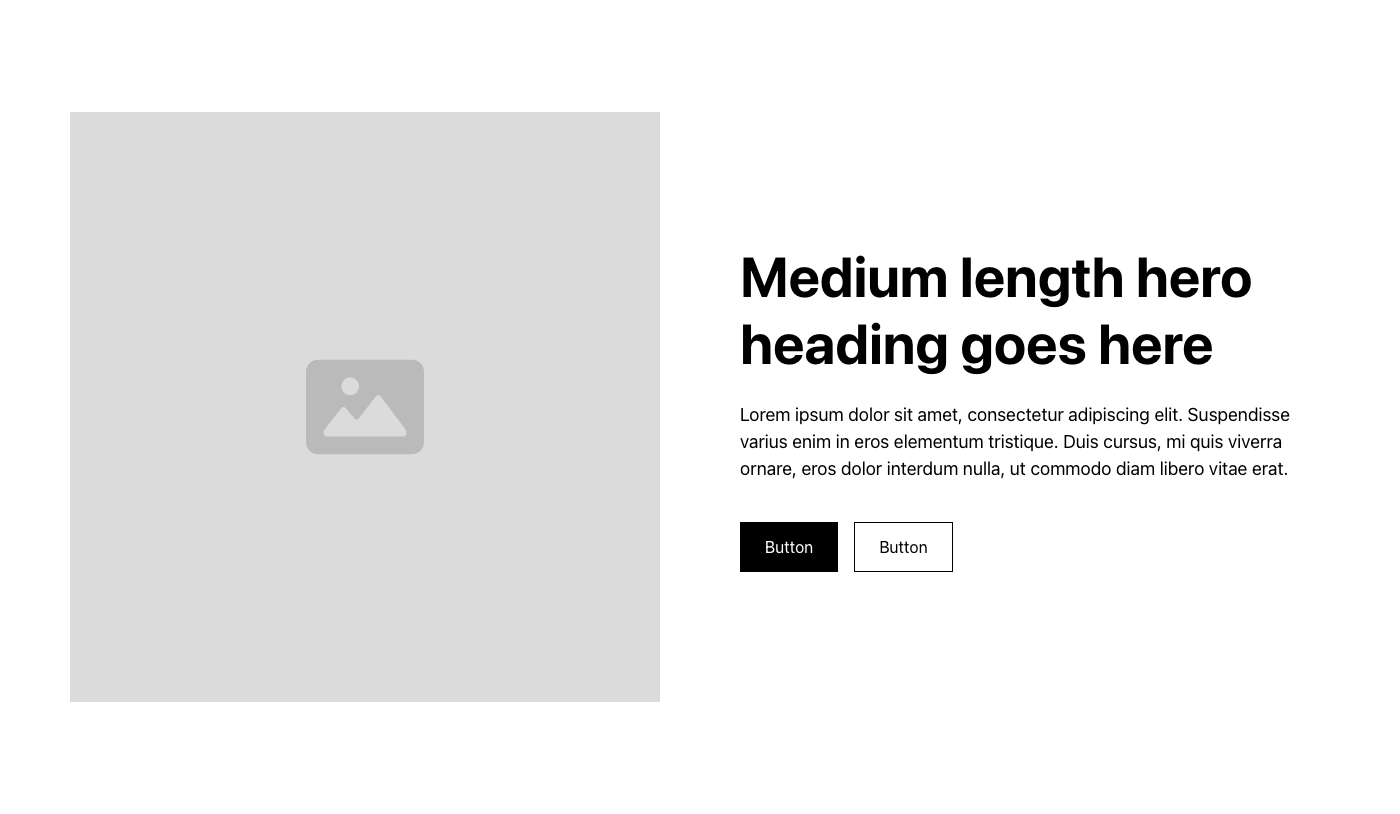
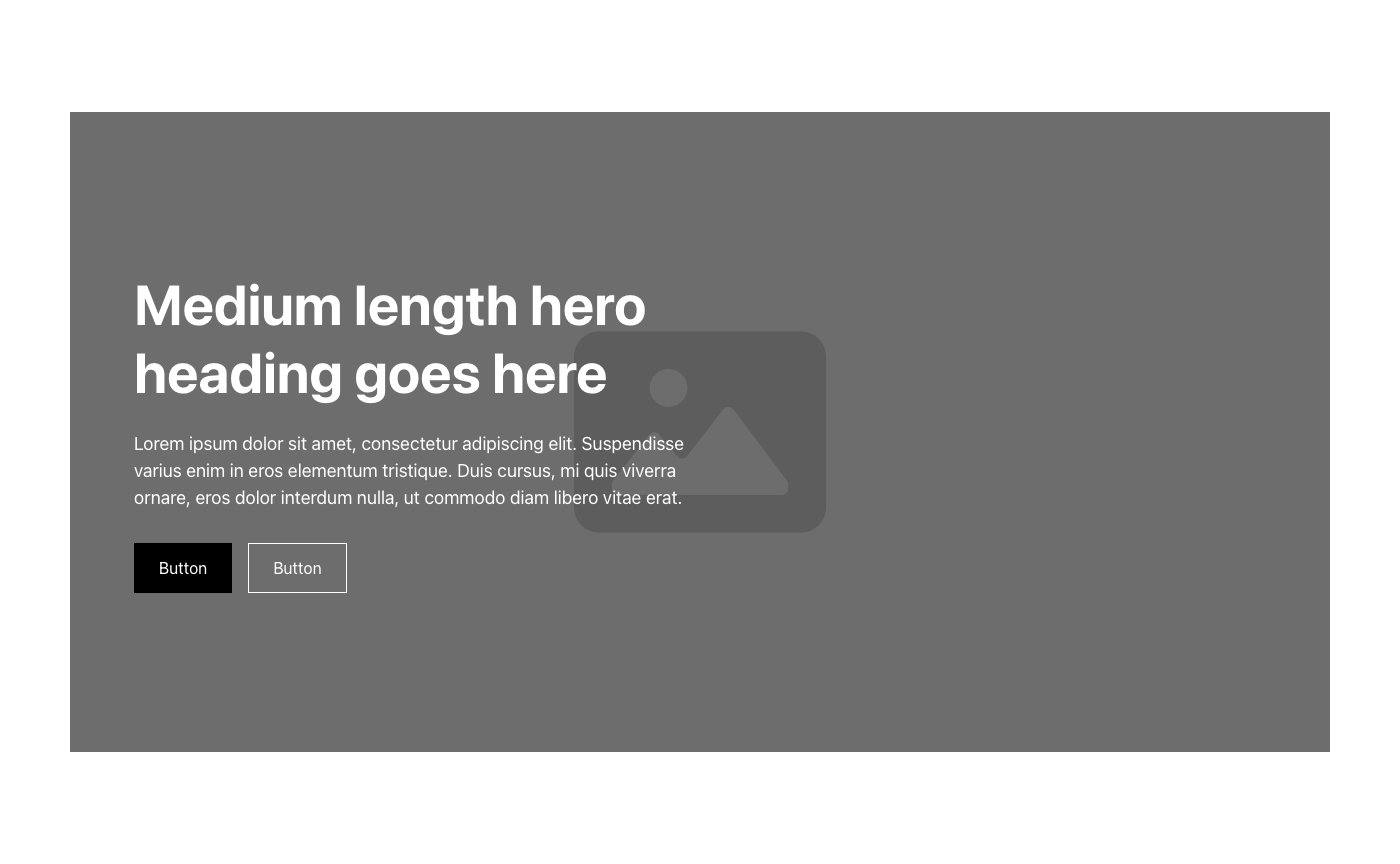
Layout is the part that doesn't show up in a screenshot. It's the decision under the decision: why text sits where it sits, why one section breathes and the next one doesn't, why a hero holds attention for exactly as long as it needs to and then gets out of the way.

Anyone can grab a template. What's harder is knowing which shape actually serves the content, before a single word gets written. This is where that thinking gets kept, not finished work, not code ready to drop in, just the moments that made me stop and look twice. The next project that needs a certain kind of hero starts here instead of from scratch.

Hero Header Sections

Open folder ↗

assets-layout-library/Hero Header Sections/
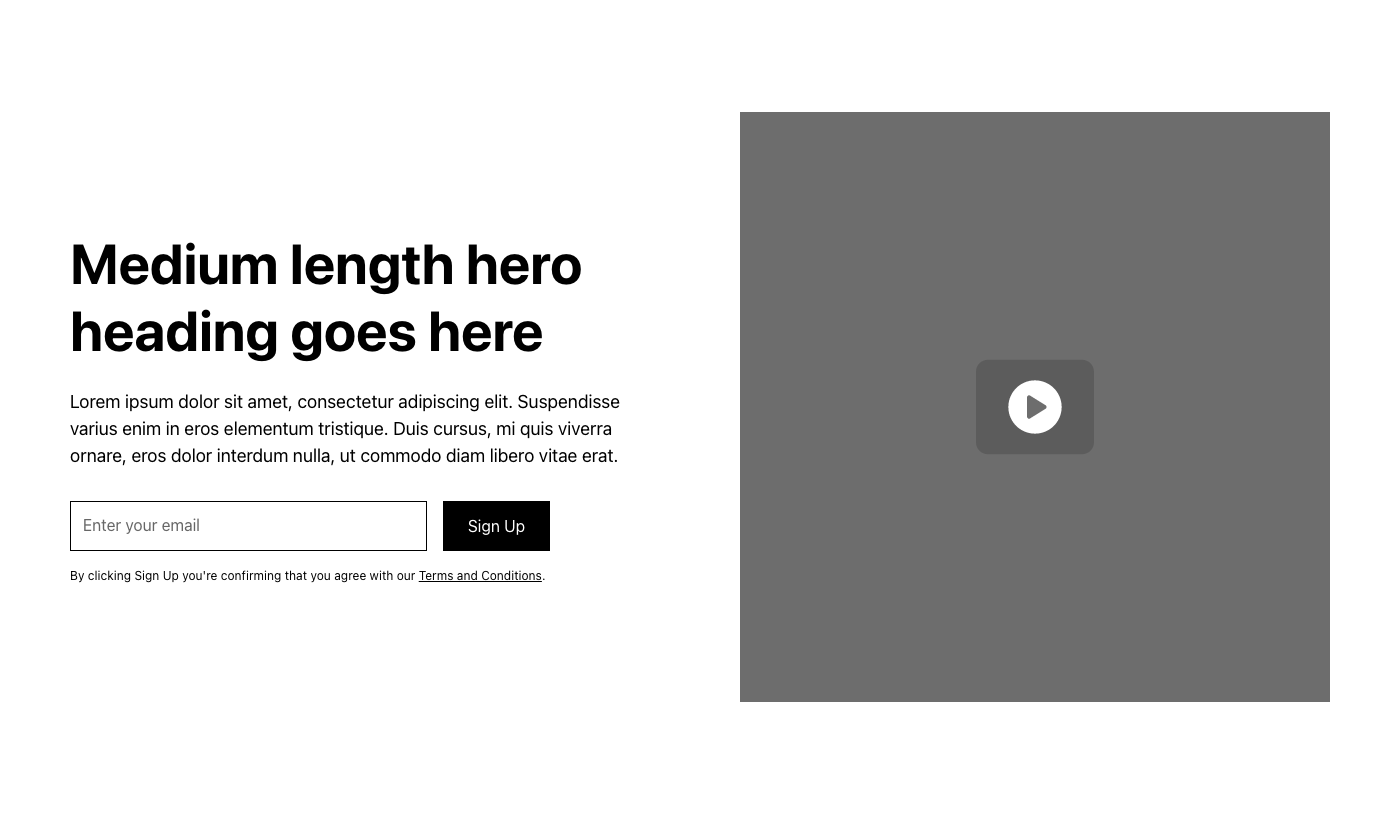
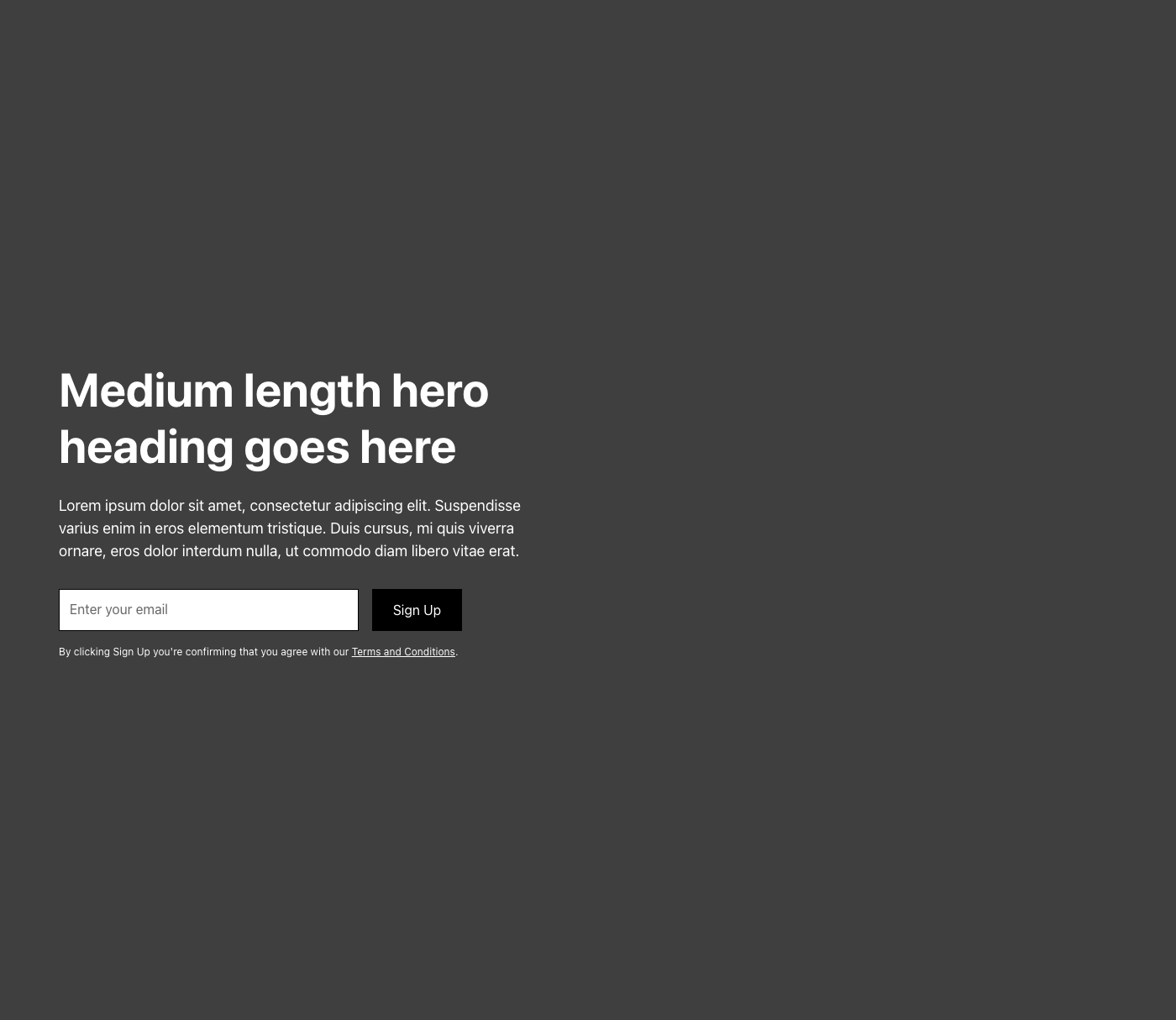
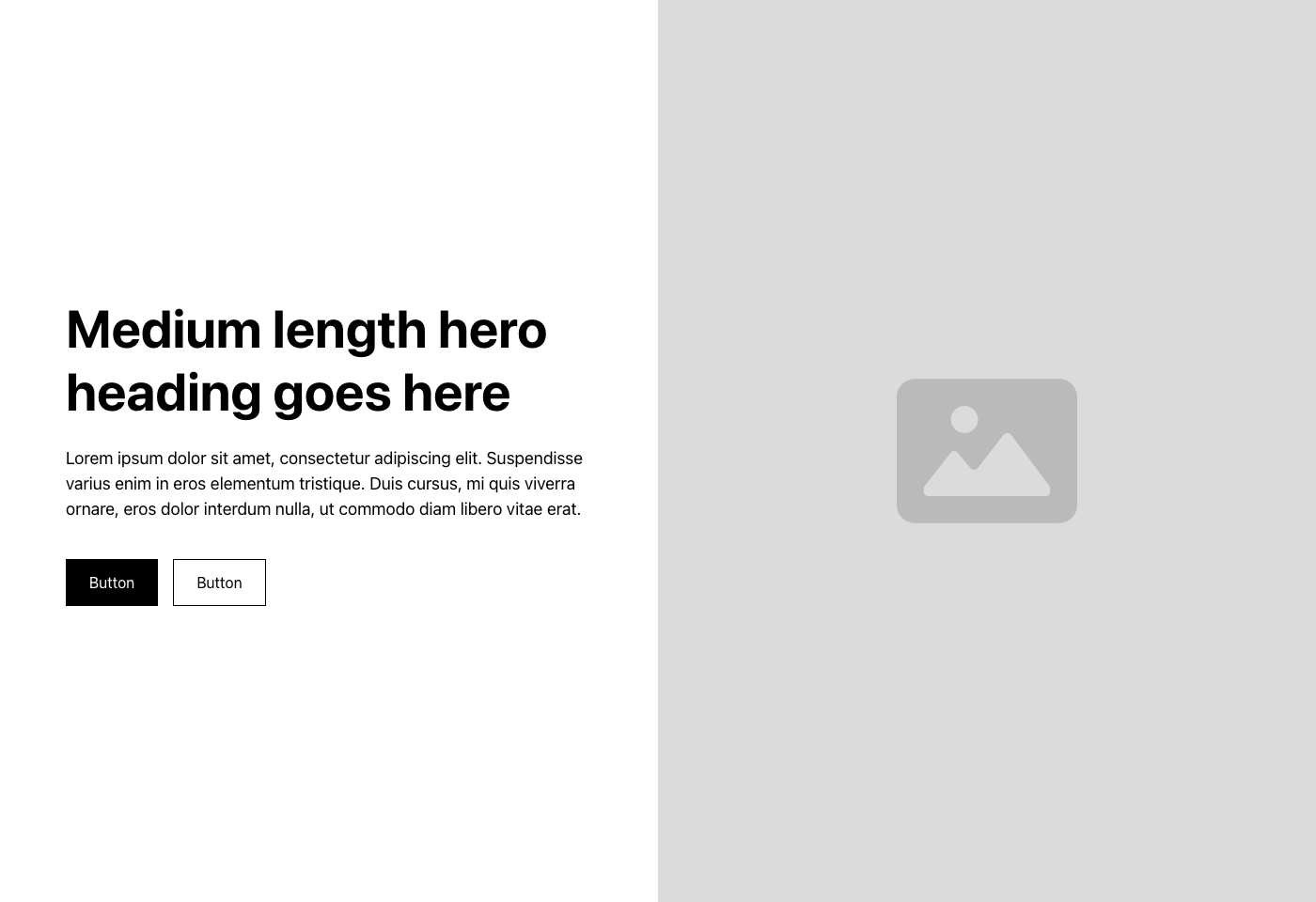
Hero 1.png
Hero 1.png
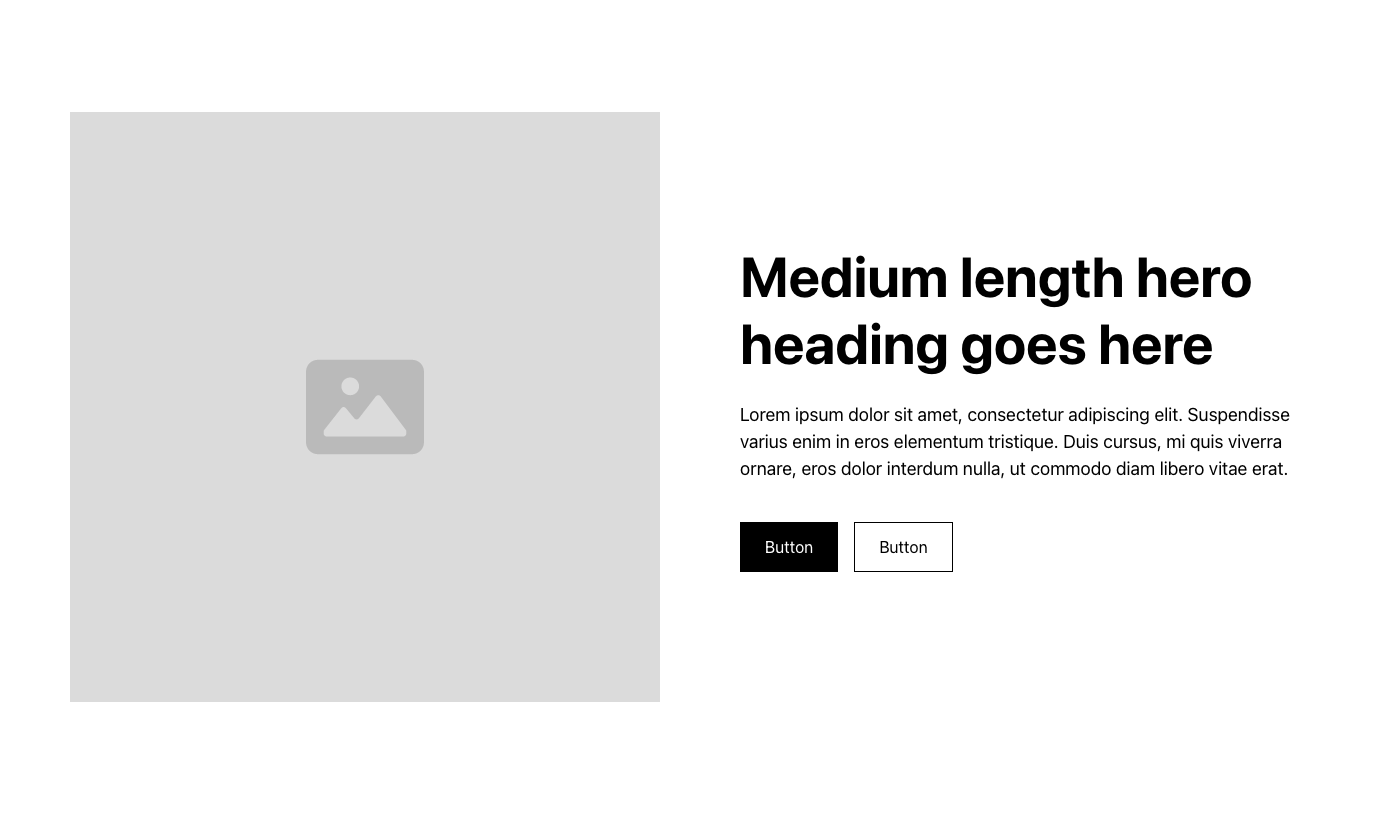
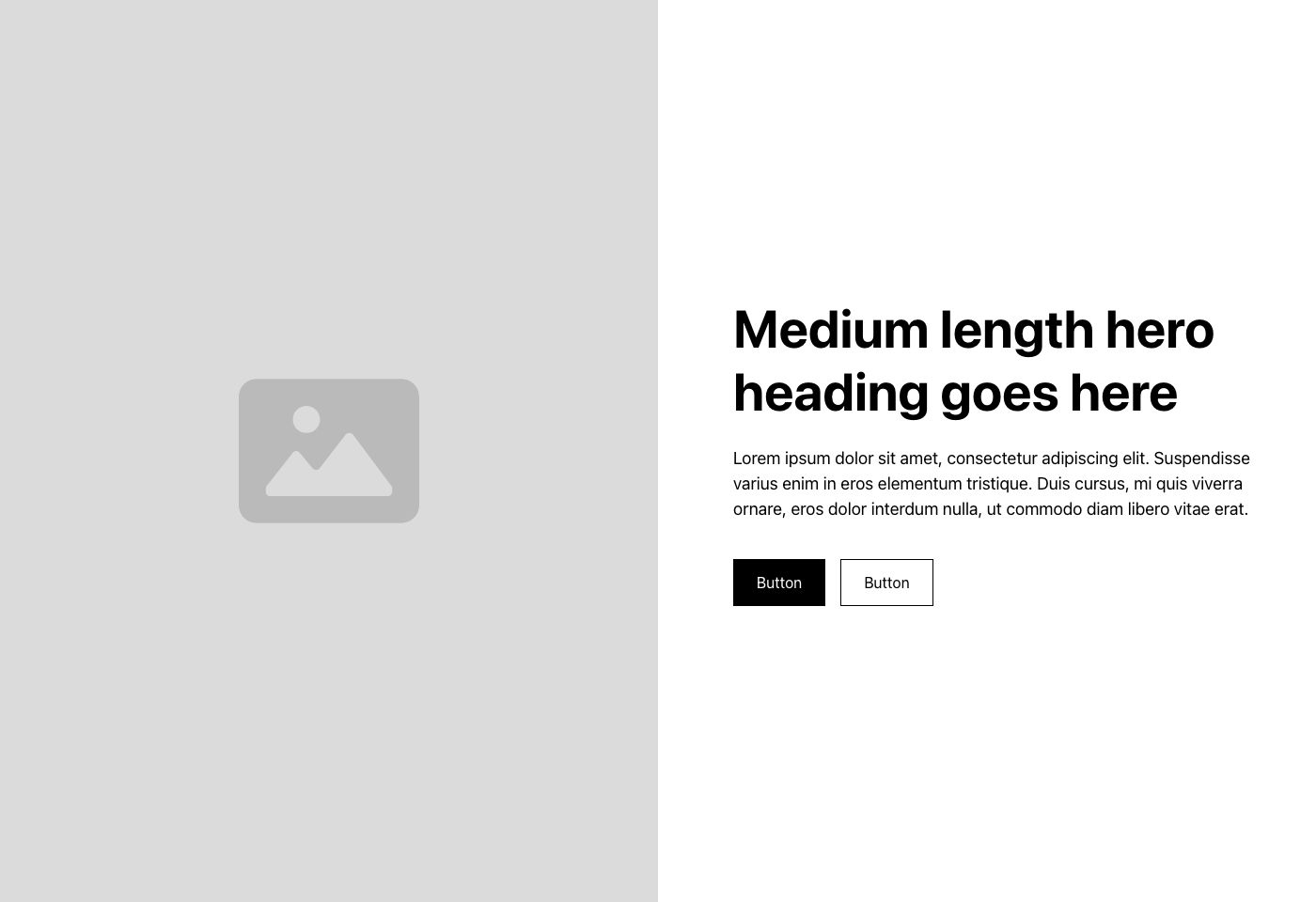
Hero 2.png
Hero 2.png
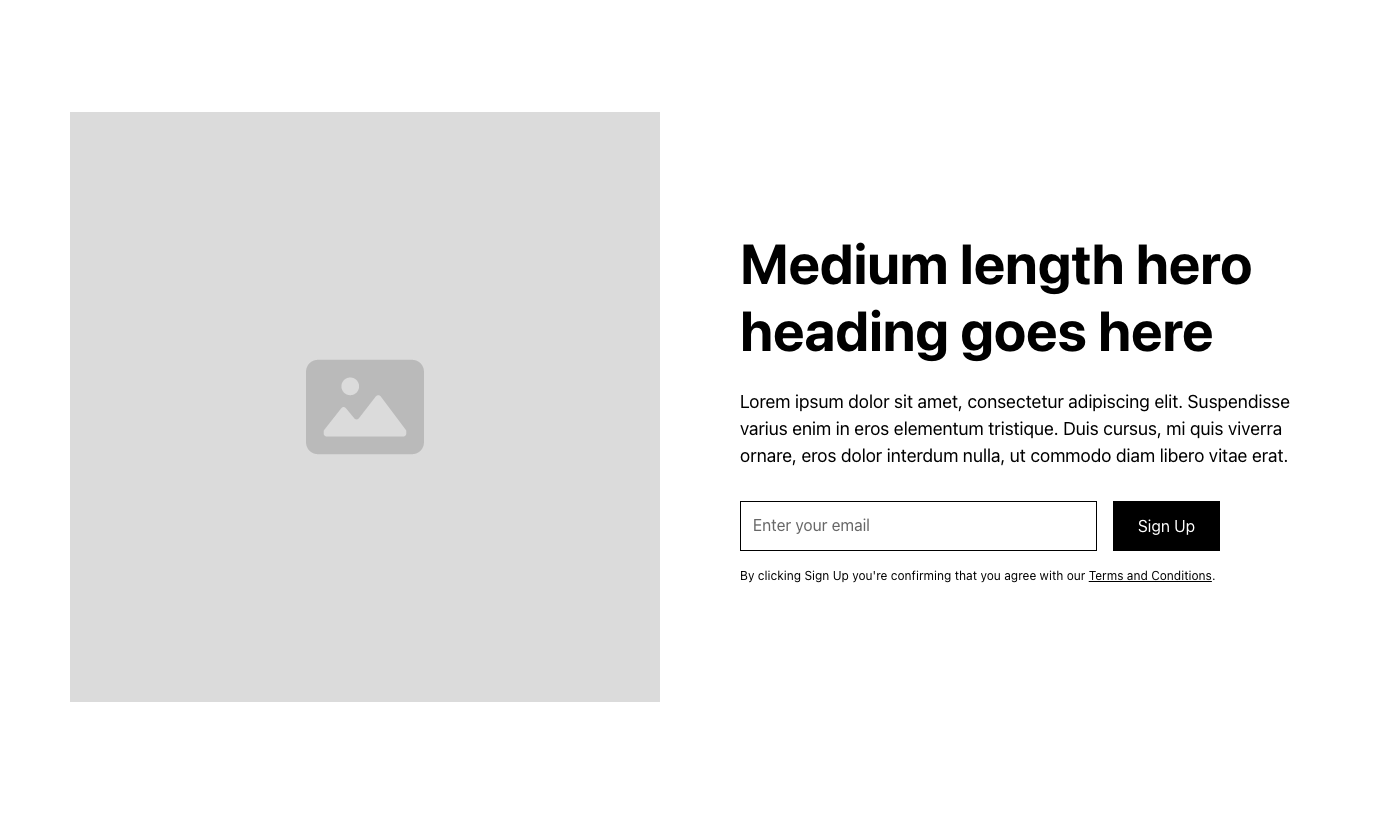
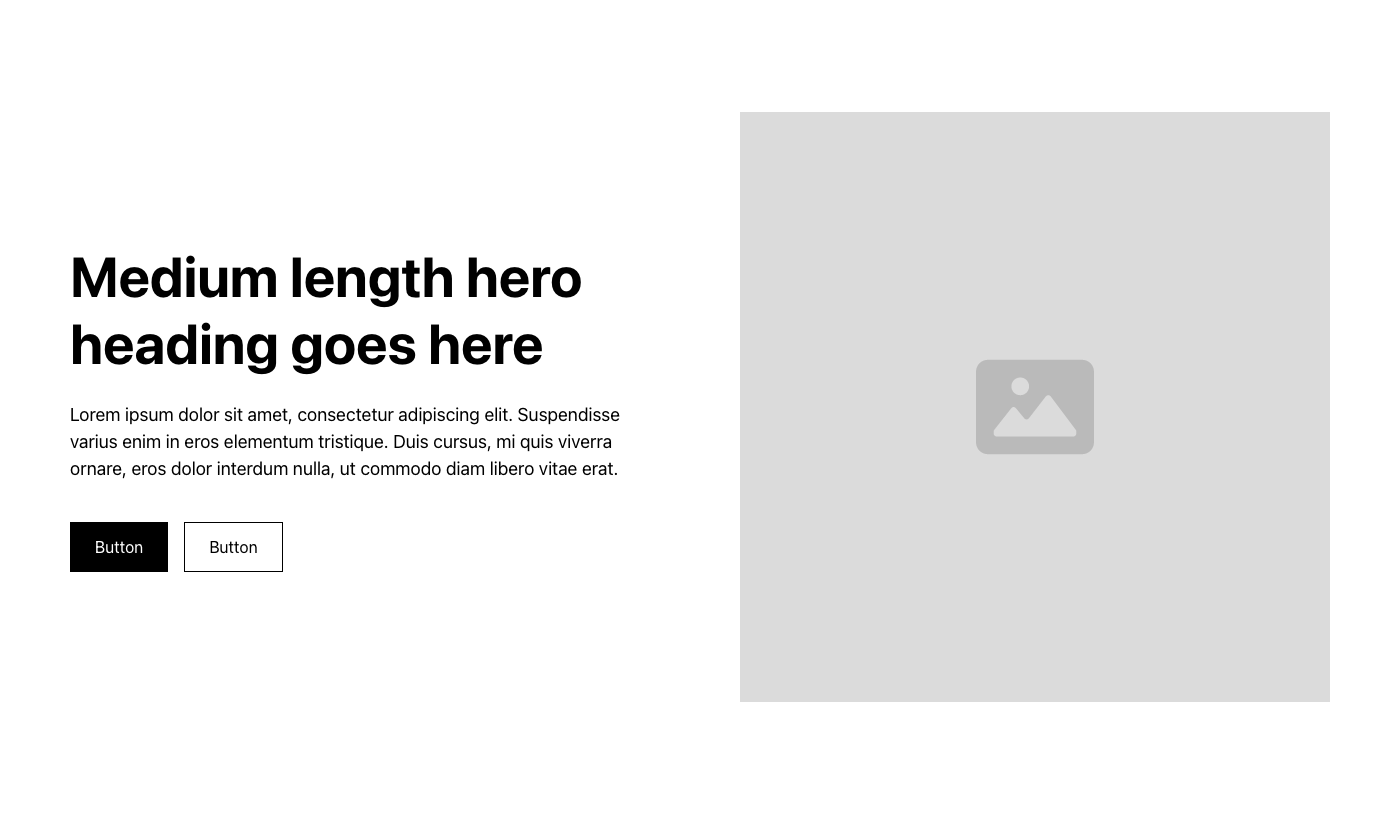
Hero 3.png
Hero 3.png
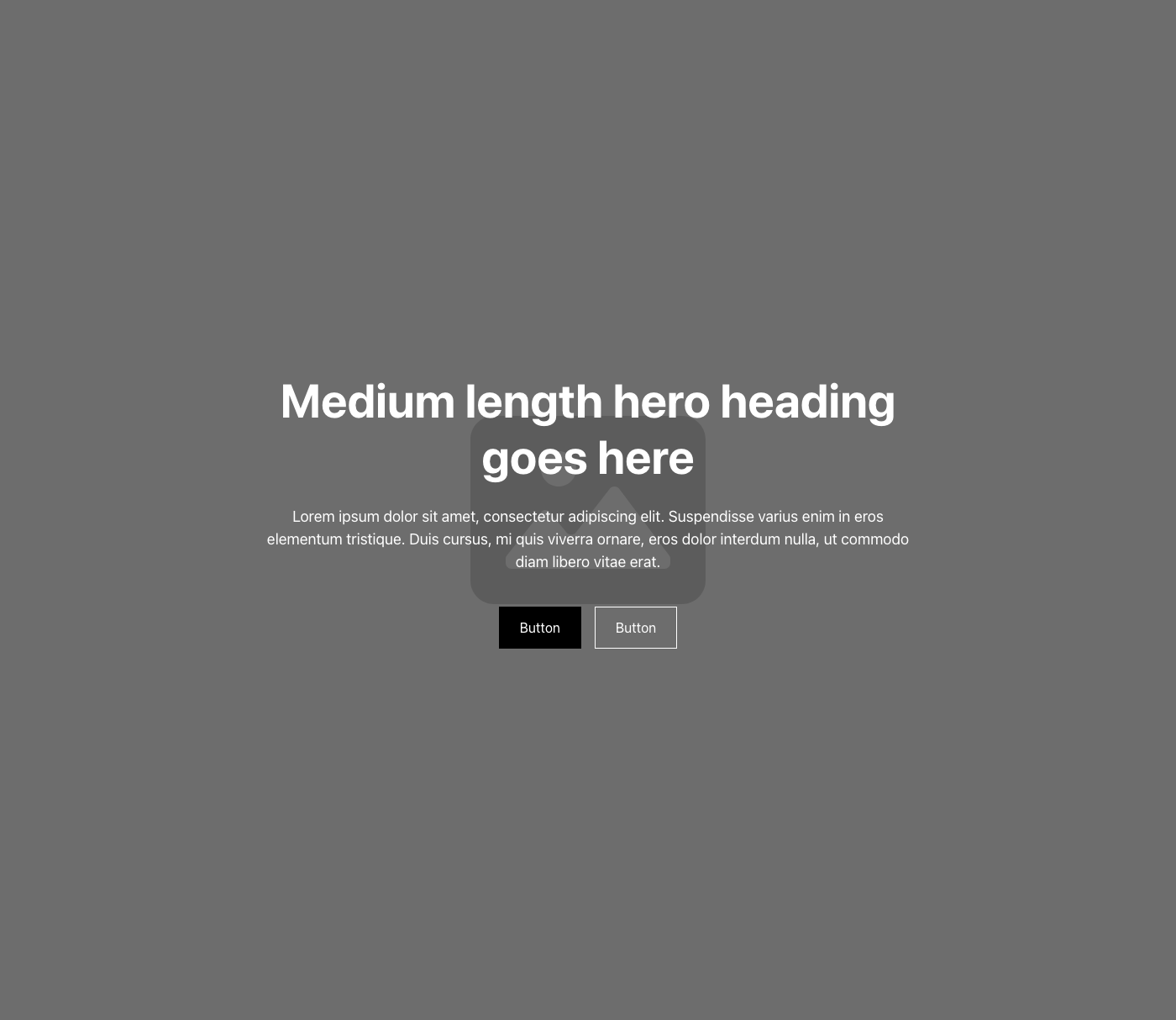
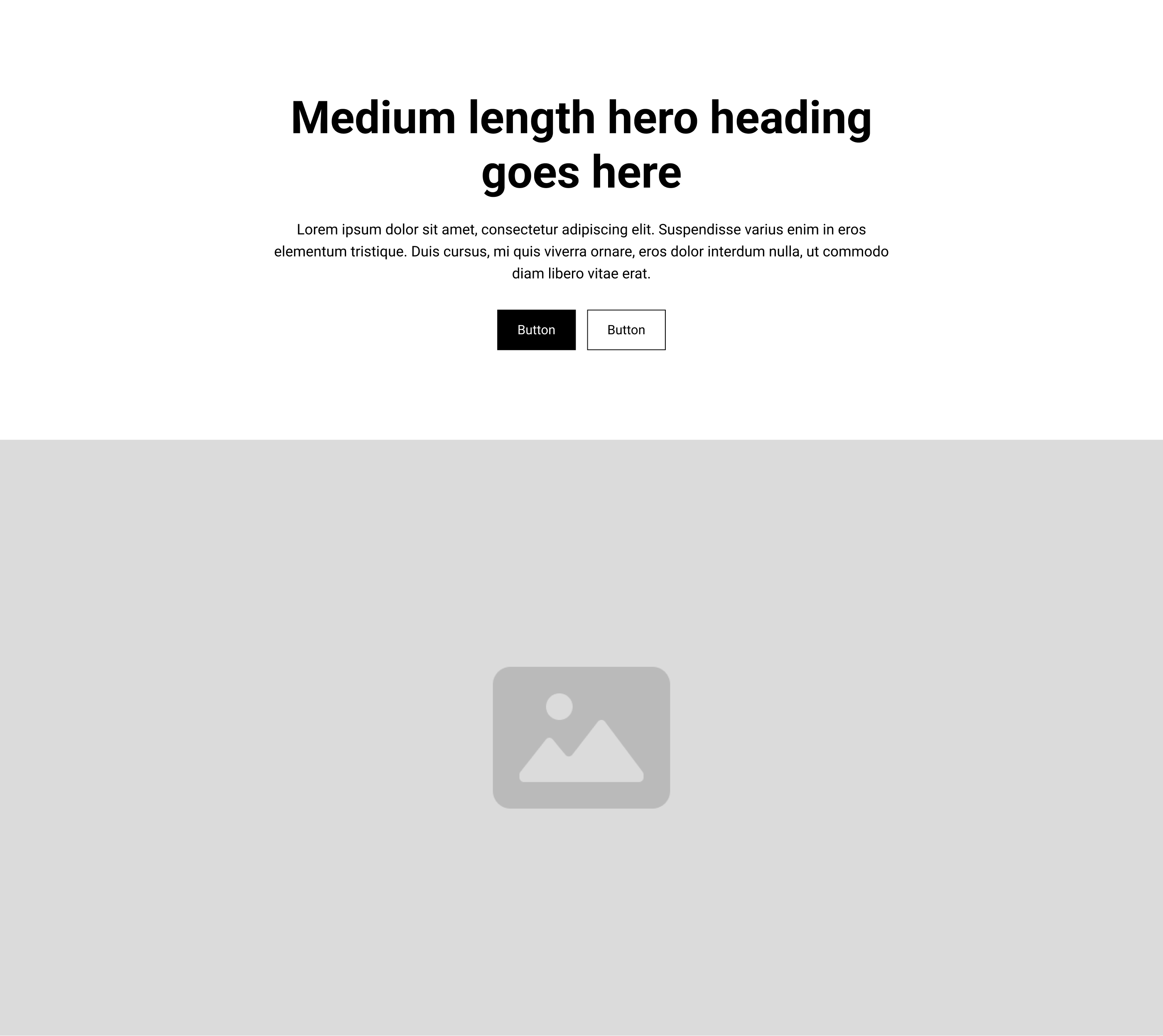
Hero 4.png
Hero 4.png
Hero 5.png
Hero 5.png
Hero 6.png
Hero 6.png
Hero 7.png
Hero 7.png
Hero 8.png
Hero 8.png
Hero 9.png
Hero 9.png
Hero 10.png
Hero 10.png
Hero 11.png
Hero 11.png
Hero 12.png
Hero 12.png

Feature Sections

Open folder ↗

assets-layout-library/Feature Sections/

No references yet. Drop an image into assets-layout-library/Feature Sections/, commit, push.

CTA Sections

Open folder ↗

assets-layout-library/CTA Sections/

No references yet. Drop an image into assets-layout-library/CTA Sections/, commit, push.

Let's talk

If you're trying to make something clearer or more cohesive or more useful, let's talk.

Book a discovery call